
Achieving your weekly targets can be challenging, especially when life gets busy and priorities start piling up. But with a little structure and the right approach, it’s definitely possible to stay on track. Whether you’re a busy professional juggling deadlines, a student balancing assignments, or a freelancer managing multiple projects, having a clear plan is essential. This guide will walk you through seven practical tips to help you hit your weekly goals effectively, making the most of your time and resources. Let’s dive in.
1. Break Down Your Goals into Manageable Tasks 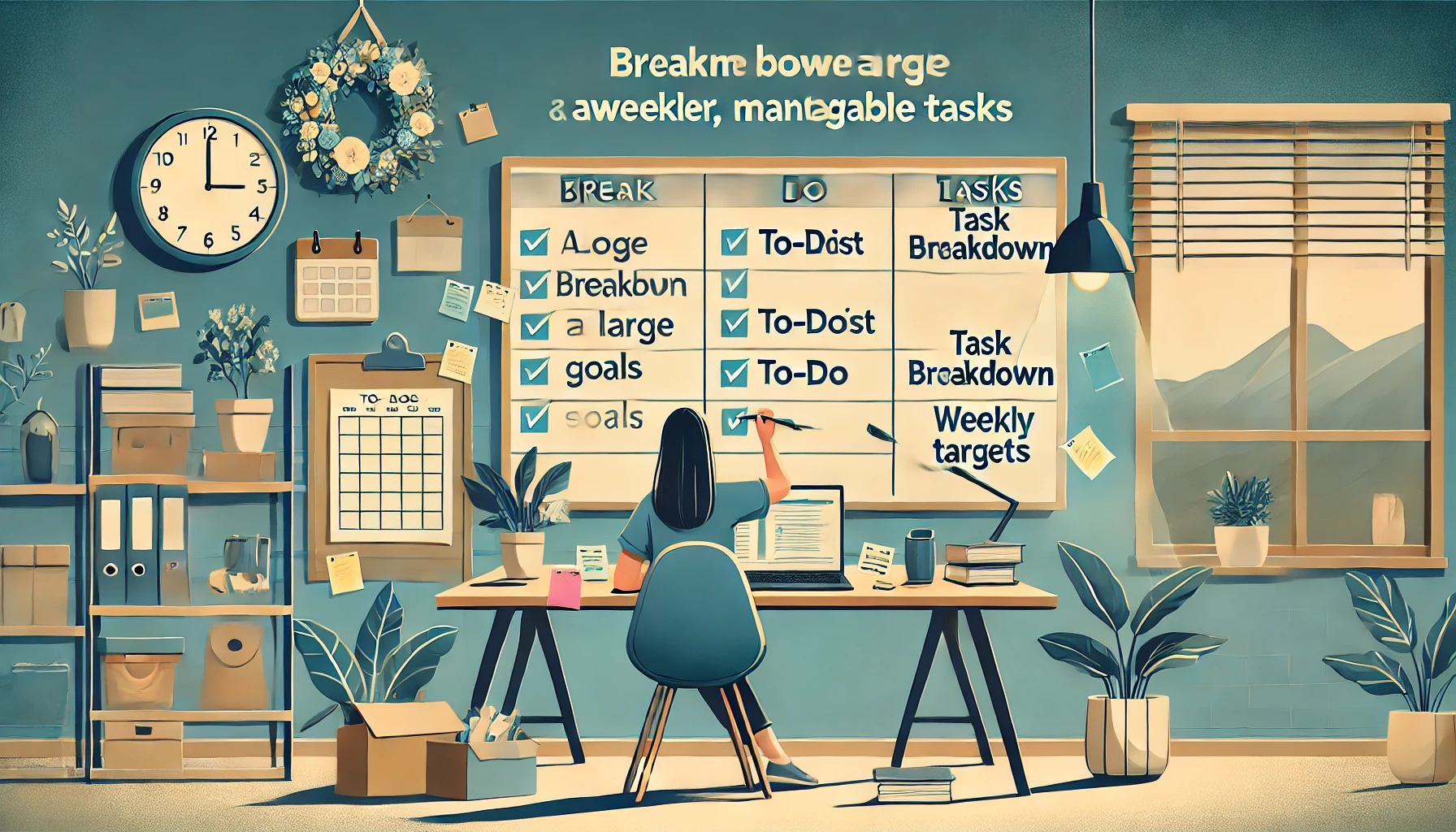
One of the biggest reasons people struggle to achieve their weekly targets is because they set goals that are too broad or overwhelming. Breaking your larger goals into smaller, manageable tasks is a game-changer. For instance, instead of saying, “I want to finish this project,” break it down into actionable steps like “complete research,” “draft an outline,” and “review and edit.” By focusing on bite-sized tasks, you’ll find it easier to stay motivated and keep track of your progress. Week Plan’s goal-setting features allow you to break down goals using task lists, helping you see exactly what needs to be done each day to hit your weekly targets.
2. Prioritize Tasks Using the Eisenhower Matrix
Not all tasks are created equal. To efficiently reach your weekly goals, you need to prioritize what truly matters. The Eisenhower Matrix is a great tool to categorize tasks based on urgency and importance. For example, tasks that are both urgent and important should be handled first, while non-urgent, non-important tasks can be delegated or postponed. Week Plan’s integration of the Eisenhower Matrix helps you focus on high-impact activities, ensuring that your week is productive rather than just busy.
3. Schedule Time Blocks for Focused Work 
Setting aside dedicated time blocks for focused work can drastically improve your productivity. This strategy involves allocating specific hours for deep work without interruptions. For instance, reserving 9 AM to 11 AM for important tasks ensures you’re tackling your priorities when your energy levels are highest. Week Plan’s timeboxing feature can help you allocate time for your top-priority tasks, so you’re more likely to complete them within the week.
4. Review and Adjust Your Weekly Plan
No plan is perfect, and life often throws unexpected challenges our way. This is why it’s crucial to review your progress mid-week. Spend some time on Wednesday to evaluate what’s working and what isn’t. Are there tasks that took longer than expected? Is there something that can be shifted to next week? Adjusting your weekly targets as you go ensures you’re staying realistic and not setting yourself up for failure. Week Plan makes it easy to review your progress with its goal tracking tools, helping you adjust plans on the go.
5. Leverage SMART Goals for Better Clarity 
SMART (Specific, Measurable, Achievable, Relevant, and Time-bound) goals are highly effective in keeping you focused. By ensuring your weekly targets are clear and measurable, you eliminate ambiguity and increase your chances of success. For example, instead of setting a vague goal like “exercise more,” set a SMART goal like “work out for 30 minutes, three times this week.” Week Plan’s goal templates can guide you in setting SMART goals that align with your weekly priorities.
6. Use Recurring Tasks to Build Consistency
Consistency is key to achieving long-term success. Setting up recurring tasks for activities that need to be done regularly, like weekly reports or client check-ins, can save you time and mental energy. This way, you don’t have to remember to schedule these tasks every week manually. Week Plan’s recurring task feature is perfect for automating repetitive tasks, ensuring nothing slips through the cracks and helping you stay consistent with your routine.
7. Reflect on Your Week to Improve Next Week’s Plan 
At the end of each week, take some time to reflect on what you achieved and where you fell short. This reflection will help you understand patterns in your productivity, allowing you to optimize your planning for the following week. For instance, if you noticed that meetings disrupted your workflow, you could plan to schedule them outside of your peak productivity hours next time. Week Plan offers journaling and review tools that can help you assess your weekly performance, ensuring continuous improvement.
Frequently Asked Questions (FAQs)
-
How can I set achievable weekly targets? Use the SMART goal-setting method to ensure your targets are specific, measurable, achievable, relevant, and time-bound. Week Plan’s goal templates can help you create clear targets.
-
How does Week Plan help with prioritizing tasks? Week Plan uses the Eisenhower Matrix to help you prioritize tasks based on their urgency and importance, ensuring you focus on what truly matters.
-
Can Week Plan automate recurring tasks? Yes, Week Plan allows you to set up recurring tasks, so you don’t have to keep scheduling repetitive activities manually.
-
How often should I review my weekly plan? A mid-week review is recommended to assess your progress and make adjustments. Week Plan’s goal tracking tools make this process seamless.
-
What are time blocks, and how do they improve productivity? Time blocks involve setting aside dedicated hours for focused work. Week Plan’s timeboxing feature helps you allocate time effectively to complete important tasks.
-
Why is it important to reflect on your week? Reflection helps you identify productivity patterns and areas for improvement. Week Plan’s journaling tools support this reflection process.
-
What if I can’t meet my weekly targets? Adjust your targets and focus on learning from setbacks. Week Plan helps you modify plans quickly to stay on track.
-
How do SMART goals align with weekly planning? SMART goals provide clarity and structure, making it easier to hit your targets. Week Plan’s goal-setting features support this approach.
-
Can Week Plan help with long-term goal tracking? Yes, Week Plan offers tools to track both weekly and long-term goals, ensuring alignment with your overall objectives.
-
What are some best practices for using Week Plan? Use its goal-setting templates, recurring tasks, and Eisenhower Matrix to maximize productivity and stay on top of your weekly targets.
-
What is the difference between a weekly target and a weekly ad? A weekly target refers to personal or professional goals you set for yourself to achieve within a week. In contrast, a weekly ad is a digital or physical promotional flyer provided by retailers, featuring current sales, discounts, and special offers that are updated weekly for customers to view.
-
How do weekly deals differ from weekly targets? Weekly deals are special offers or promotions available for a limited time, often highlighted in weekly ads by retailers. Weekly targets, on the other hand, are specific goals you set for yourself to accomplish during the week.
-
Why is a secure connection important when using productivity apps? Verifying the security or authenticity of your connection is important because it helps protect your data and ensures safe access to your productivity tools. This reduces the risk of unauthorized access and keeps your information secure.
More Posts
Hard Time Focusing? 20 Reasons why you can't focus
Fixed Schedule Pros and Cons: A Comprehensive Overview
A fixed schedule means workers follow the same timetable every day. This helps with being on time and keeps things running smoothly. It starts with planning out the work hours and days for...
12 Important Time Management and Organizational Skills You Should Have
Time management is key for being productive and successful. It’s not just about a to-do list. It includes skills that help people meet daily and long-term goals. Time management is important for parents,...
Personal Growth Tips to Massively Increase Productivity
Personal development goals are mainly aimed at making your life better. These goals may help you to improve yourself as a person and will also make you aware of your talents and skills....